
2026-2027 Returning Student Registration
_1776020366.png)
Returning Student Registration is NOW OPEN for 2026–2027
It’s time to complete your Returning Student Registration online through the SchoolMint Enrollment Portal to ensure your child is ready to rejoin their Wolf Pack next school year.
Our school office and admin teams will be working hard through the summer to prepare to open the 2026-2027 academic year which begins on Monday August 10, 2026, and we need your help to complete registration for your returning student.
CLICK HERE TO ACCESS SCHOOLMINT
Deadline to submit: Friday, May 1, 2026
Completing this process is essential for receiving your child’s classroom assignment and teacher.
📅 Important Dates
- Registration Opens: Wednesday, April 15, 2026
- Deadline to Complete Registration: Friday, May 1, 2026
⚠️ Students must be fully registered to be placed into a classroom for the 2026–2027 school year.
✅ How to Complete Registration
- Log in to SchoolMint
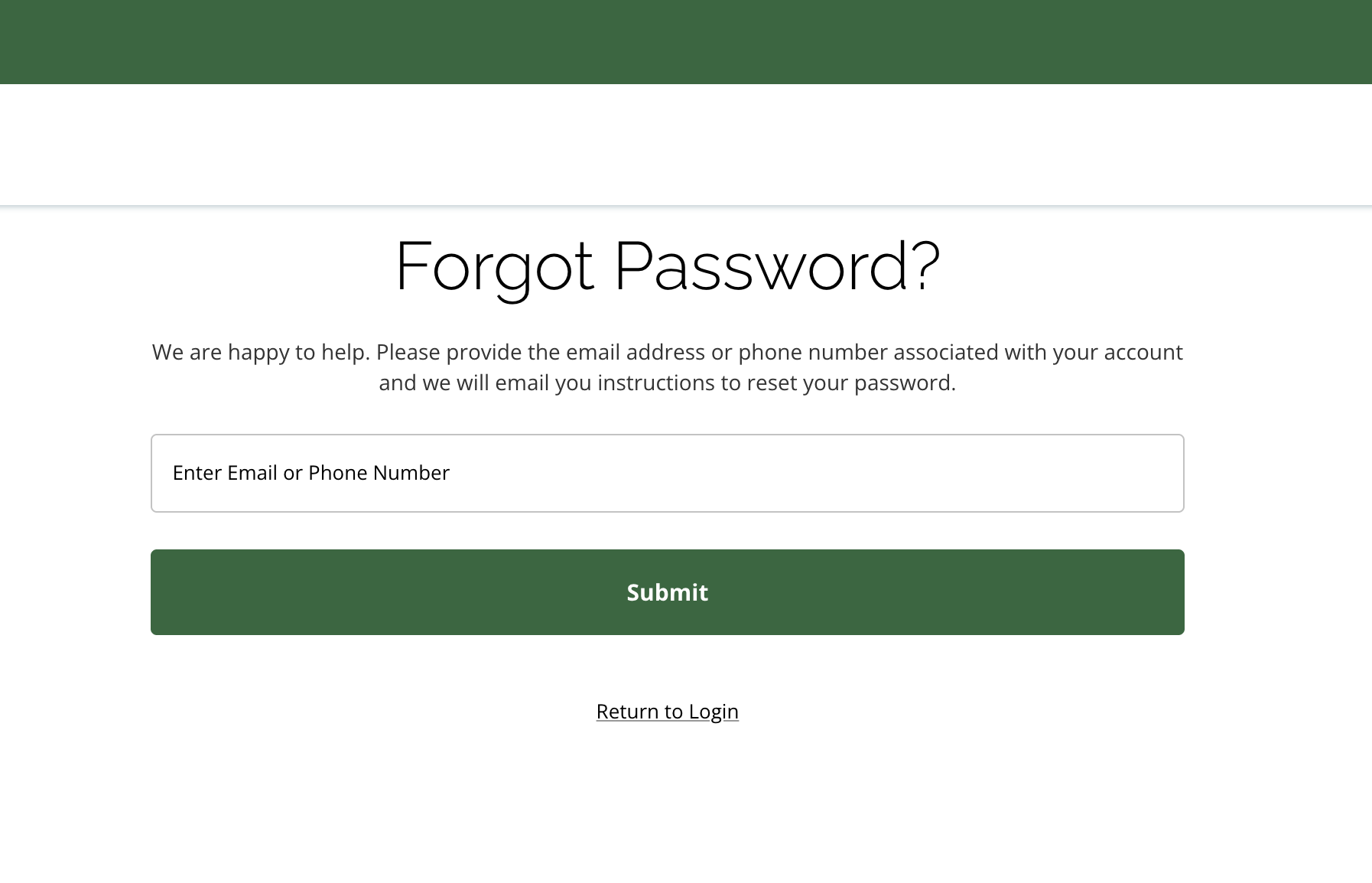
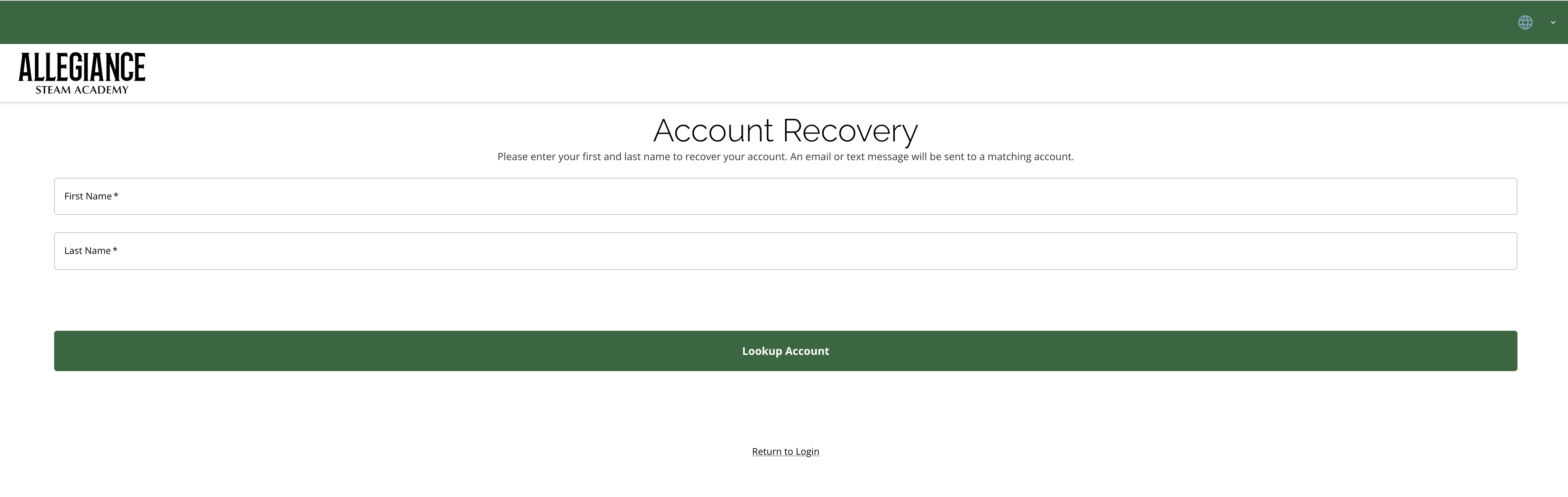
- Log into your SchoolMint portal using your parent/guardian name and your email address. If you cannot remember your SchoolMint login credentials, you can select “Forgot Password?” or “Can’t Find Account?”.
- Once logged in, select your student(s) if they are listed. If they are not listed, you may search for your student(s) by clicking on the “+ Add Student” button which will open up the Student Look Up screen. You can search for your student by entering their full name, date of birth and student ID number in the student lookup fields. This information was emailed to you on Tuesday, April 14, 2026 to ensure all records match our PowerSchool Student Information System.
- Select your student and click on the start button to access the registration forms.
- Complete all required forms
- Submit your registration
Why Do I Need to Register If My Child Is Already Enrolled?
Annual registration allows us to:
- Confirm your student is returning
- Assign students to classrooms
- Update contact and emergency information
- Prepare teachers, schedules, and resources
Without completed registration, students cannot be rostered for the upcoming school year.
Need Help?
Forgot Your Login Information?
- Click “Forgot Password?” on the SchoolMint login page and check your email for reset instructions, OR
- Click “Can’t Find Account?” to search for your guardian account with your name. If no account is recoverd, create a new guardian account. Once logged into your guardian account, students linked to your account will display.
Can’t see your student?
- Make sure you are logged into the correct SchoolMint account
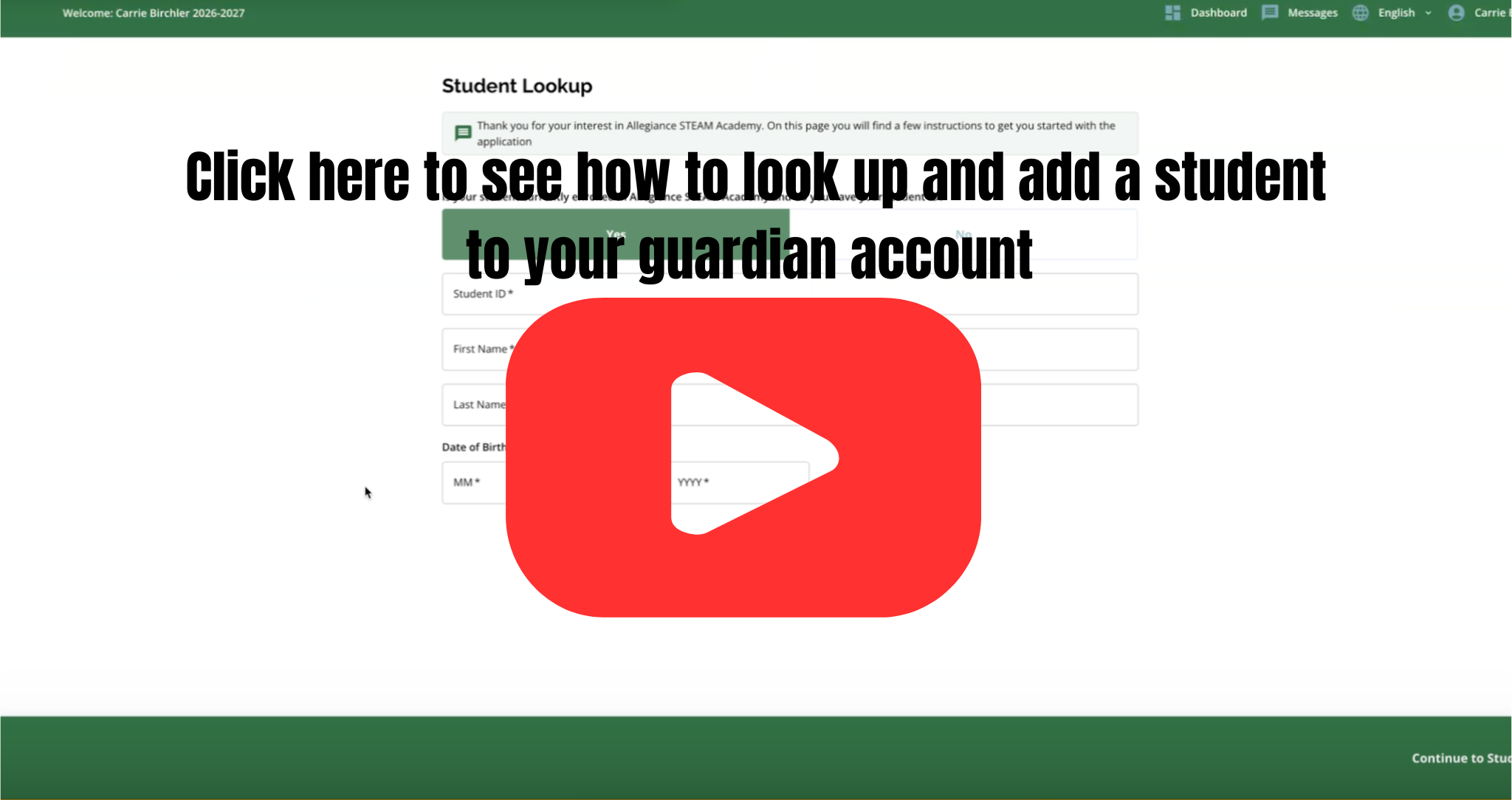
- If your student is not diplayed once logged in, click the + sign “Add Student” to access the Student Look Up screen. You can search for your student by adding their name, student ID number and date of birth.
Need your student’s Identification Number?
- Search your email from Tuesday, April 14 for the subject line: Important: Information Needed for Returning Student Registration. Your student’s ID number can also be found in your PowerSchool Parent Portal and on your student’s report card.
Frequently Asked Questions
Q: What if I forgot my login?
A: Use the “Forgot password?” or “Can’t find account?” links on the login page.
Q: Do I have to answer every question?
A: Fields marked with a red asterisk (*) are required.
Q: What if I make a mistake?
A: Before submitting, you can go back using “< Prev” or “Next >” or edit from the Review page. After submission, contact your school for changes.
Q: I’ve finished! What now?
A: Great! Click “Submit” — your child’s registration will be sent to ASA. If “Submit” is grayed out, review for missing required questions.
Q: Do I need to do this for each child?
A: Yes! Complete the full process separately for each returning student.
Q: I’m having technical issues. What should I do?
A: Visit the SchoolMint Support for Families or contact ASA’s Enrollment team at 909-600-6305 or email us at admissions@asathrive.org.
Q: Forms won’t submit?
A: Check for missing required fields
Q: Page not loading?
A: Try a different browser or device
SchoolMint Help Resources
Click here for SchoolMint Support for Families
Still Need Support?
Our team is happy to help!
📧 admissions@asathrive.org
📞 909-600-6305